People sometimes ask what “in-house” engineering work actually looks like day to day, as opposed to consulting. This CityscapeOne case study is my honest answer: less about one shiny feature, more about the unglamorous plumbing — messaging, permissions, scheduling — that a real estate brokerage runs on.
Table of Contents
CityscapeOne: Building In-House Tools for a Real Estate Brokerage Platform
CityscapeOne is a tech-enabled real estate brokerage platform that helps buyers, sellers, and investors search, list, and transact properties, pairing tools like AI-powered valuation and market insights with professional agent support to make the home buying and selling process simpler and more efficient. From 2021 to 2022, I worked on CityscapeOne as a full-time Fullstack Developer at Cityscape Technology Corporation, building out the platform’s real estate applications using Laravel and Vue.js.
Unlike the client engagements I describe elsewhere on this site, CityscapeOne wasn’t a consulting or agency project — it was in-house work. I was part of Cityscape Technology Corporation’s own engineering team, building directly on the company’s platform alongside its product and business people rather than delivering a scoped engagement for an outside client. That distinction shaped what I actually spent my time on: less a single discrete feature, more the operational systems that keep a growing brokerage running day to day.
What I Built in This CityscapeOne Case Study

A recurring part of the job was making it easier for the business to talk to the volume of clients moving through the platform, whether they were browsing listings, working with an agent, or mid-transaction. I built mass mailing tooling to make that kind of broad-audience outreach possible without someone manually composing and sending messages one agent at a time.
Alongside email, I built mass messaging using the Twilio library, which was faster and more reliable than the ad hoc processes it replaced. Having both an email and SMS channel gave the business flexibility in how it reached different segments of its client base, with a delivery path it could actually trust.
None of this is as simple as calling a provider’s send API in a loop. Sending to large recipient lists means respecting rate limits and queuing sends rather than firing requests synchronously — a mailing or SMS provider will throttle or reject a burst of traffic that looks like abuse. It also means tracking delivery status per recipient, since some percentage of any large send will bounce, fail, or get flagged as undeliverable, and the business needs to know which messages actually landed rather than assuming a “sent” response means a message arrived. The real engineering effort here wasn’t the initial API integration — it was the operational layer around it: retries, rate limiting, status tracking at scale.
In a Laravel app, this kind of high-volume messaging gets built on queued jobs rather than sent inline during a web request. A request that loops through thousands of recipients and calls a mail or SMS provider synchronously will time out, and a failed send partway through a loop leaves you with no clear record of who was actually reached.
Dispatching each send as a queued job lets the app accept the request instantly, work through the recipient list in the background at a controlled rate, and retry individual failed jobs without re-sending to people who already got their message. This pattern — batching into queued jobs with per-item retry and status tracking — shows up again and again in anything that needs to reach a large audience reliably, whether the channel is email, SMS, or push notifications.
Access Control and Permissions
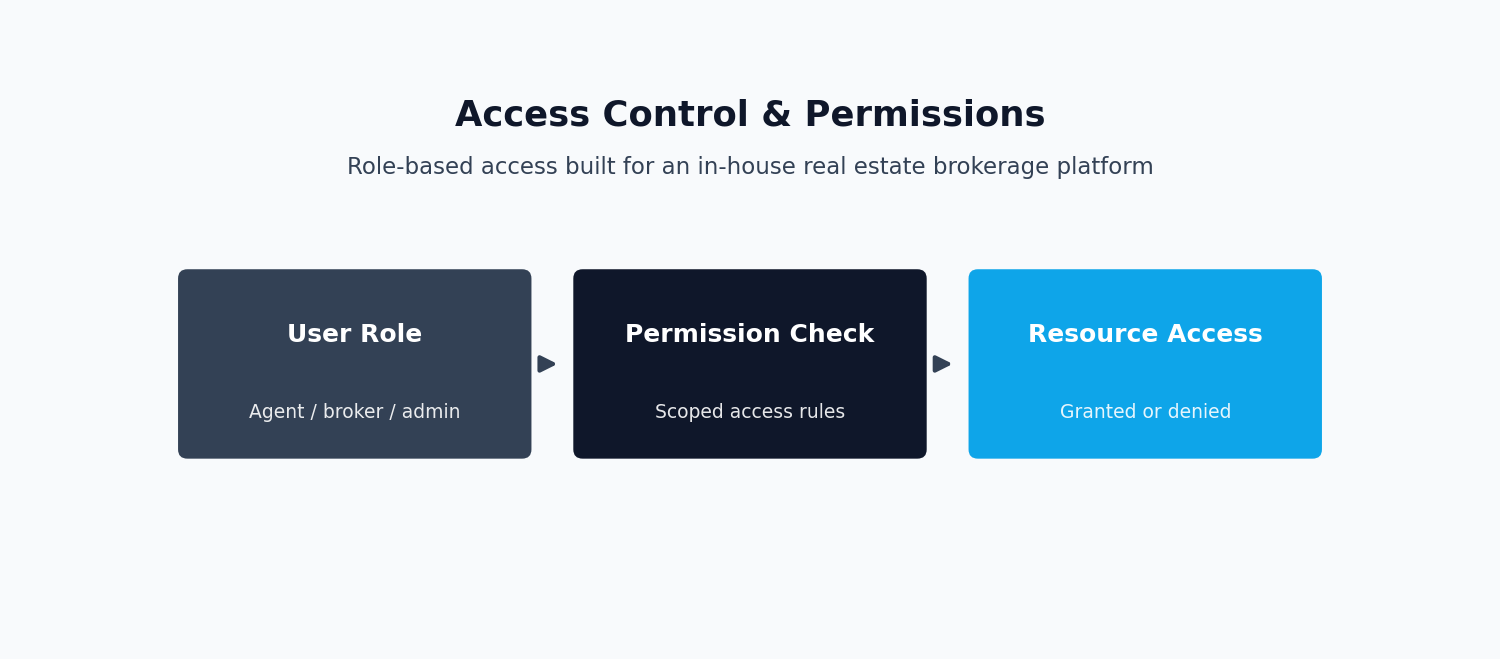
The other half of this CityscapeOne case study is less visible but just as load-bearing: who gets to see what. These communication systems needed proper access boundaries behind them, since a real estate brokerage handles sensitive client and transaction data across a lot of different user types — buyers, sellers, investors, agents. I managed user accounts and permissions across the application so the right people had the right visibility into listings, communications, and internal tools, and nothing more. This underpinned everything else on the platform, since every other feature — valuation tools, messaging, scheduling — depended on knowing who a user was and what they were allowed to do.
Permission systems on a multi-role platform like this tend to move past a simple admin/user split toward role-based access control, where distinct roles — agent, buyer, seller, internal staff — each carry their own set of allowed actions. Done well, this keeps authorization logic centralized and auditable instead of scattered across individual feature checks, so adding a new role or adjusting an existing one doesn’t mean hunting through unrelated parts of the codebase. It also follows the general principle of least privilege: each role gets exactly what it needs, no more, which limits the damage a single compromised account or coding mistake can do.
In practice, a Laravel permission layer like this usually comes together through roles, granular abilities, and framework primitives like gates and policies, rather than scattered if checks in controllers and views. Centralizing the “can this user do this?” question in one place makes the system easier to reason about, since a reviewer can look at a single policy class to understand exactly what an agent, buyer, or seller is allowed to do, instead of tracing authorization logic through dozens of routes. It also makes the system safer to extend — adding a new role or permission becomes a matter of updating a small, well-defined surface rather than re-auditing the whole codebase for missed checks.
Operational Tooling
Beyond client-facing communication, CityscapeOne leaned on internal tooling to keep day-to-day operations organized. I built event scheduling functionality that streamlined project timelines and resource allocation, which helped the team coordinate the many moving pieces around listings, showings, and transactions. Real estate deals involve a lot of time-sensitive coordination between agents, clients, and internal teams, and having one place to schedule and track these events cut down on a lot of the manual back-and-forth.
I also built and maintained the platform’s announcements system, which kept stakeholders in the loop as changes and updates moved through the business. Paired with the scheduling tools, this gave the internal team a consistent way to push operational updates instead of relying on scattered emails or one-off conversations.
Taken together, the mass communication tools, the access control work, and the scheduling and announcements features formed a kind of operational backbone for CityscapeOne — arguably the real subject of this CityscapeOne case study. None of it was the customer-facing stuff buyers and sellers interacted with directly — search, valuation — but it’s what let the business behind the platform run efficiently at scale: fast communication, secure access, coordination that didn’t fall apart as headcount grew.
One thing this CityscapeOne case study keeps coming back to: internal tools like these tend to get less attention than customer-facing features, since they don’t generate revenue directly and nobody outside the company ever sees them. But how fast the operations team can move compounds across everything else the business ships — a listing only goes live as fast as the internal process for approving and scheduling it, and a policy change only matters once it’s actually communicated to the people who need to act on it. Time spent on operational tooling is, in a real sense, an investment in the speed of everything else, even if it never shows up as a headline feature.
In-House Engineering vs. Agency Work
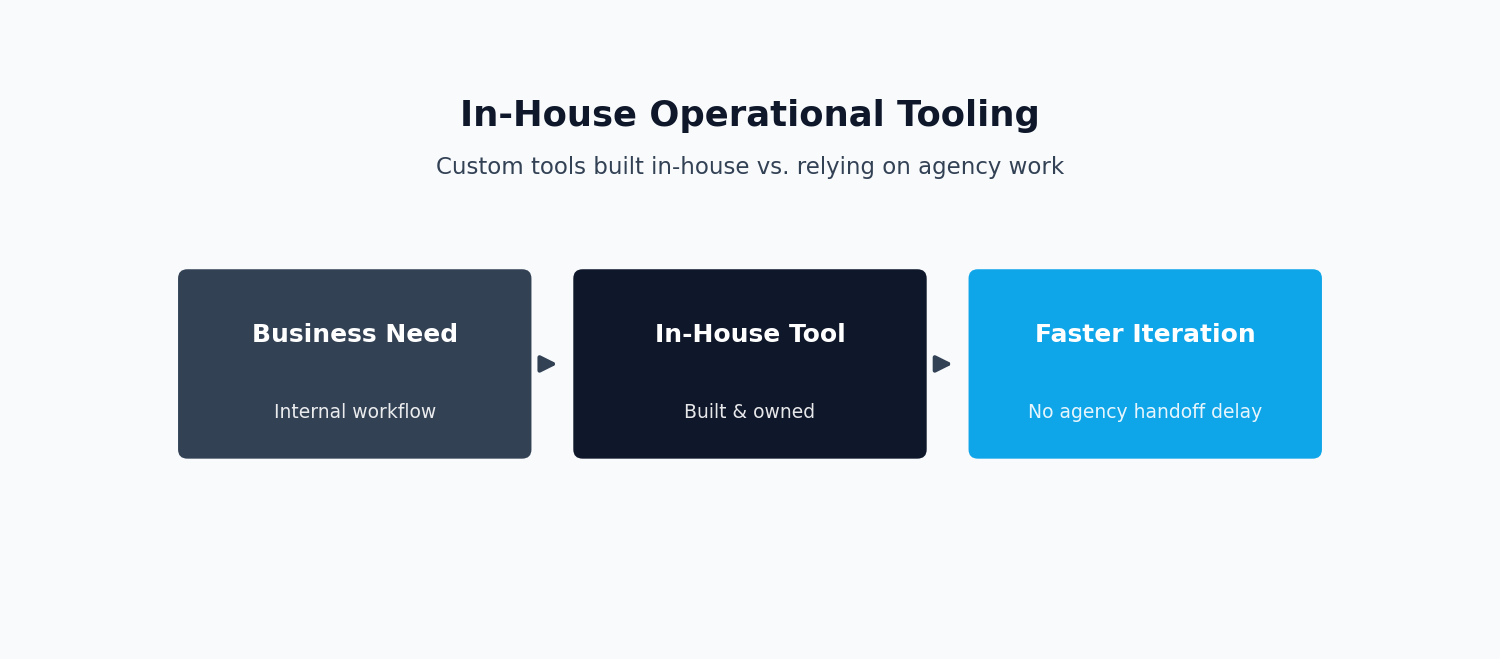
Working on an in-house team has a different rhythm than a scoped consulting engagement. There’s no handoff at the end of a contract — the same engineers who build a feature are usually the ones who maintain it, extend it, and get paged if it breaks. That pushes in-house work toward long-term maintainability over short-term delivery speed, since the person writing the code today is also the person who lives with it a year from now.
It also means working continuously alongside product and business people rather than through an account manager, which shortens the feedback loop between a business need and the engineering work that addresses it — but it also means engineers absorb more of the ambiguity in translating a business problem into a technical one. That in-house rhythm is really what this CityscapeOne case study is about more than any single feature.
Key Outcomes of This CityscapeOne Case Study
Looking back, what this CityscapeOne case study really comes down to is this: the work gave CityscapeOne a faster, more reliable way to reach large groups of clients across both email and SMS, a permissions system that kept sensitive listing and transaction data visible only to the right users, and internal scheduling and announcement tools that cut the manual coordination overhead on the operations side of the business. None of it is flashy, but it’s the kind of operational system that lets a growing brokerage scale its communication and internal coordination without scaling headcount at the same rate.
Tech Stack
The tech stack behind this CityscapeOne case study stayed fairly consistent across the two years I worked on it:
- Laravel — the primary backend framework used for the platform’s application logic, permissions, and mass communication workflows. See our Laravel API Development Services for related backend work, or the official Laravel documentation.
- Vue.js — used for front-end interface work across the platform. See our Vue.js Development Services.
- React — used in parts of the platform’s front-end alongside Vue.js.
- ASP.NET Core — used for supporting services within the broader platform. See our Hire an ASP.NET Core Developer page for related engagements.
This CityscapeOne case study reflects work I did as full-time, in-house staff at Cityscape Technology Corporation from 2021 to 2022, prior to my current role. For a similar engagement involving payment automation and subscription platforms, see the WingWarranty case study.
Frequently Asked Questions
What’s the difference between in-house engineering and agency or consulting work?
This question comes up a lot when people read this CityscapeOne case study, since most of my other work is client-facing. In-house engineers are part of the company’s own team and typically own a system long after they build it, working directly with product and business stakeholders. Agency or consulting engineers usually work on a scoped project for an external client over a fixed period, then hand the finished work off. Both require strong engineering practices, but in-house work tends to weight long-term maintainability more heavily, since the same team lives with the consequences of earlier decisions.
Why do real estate platforms need granular user permissions?
A brokerage platform typically serves several distinct audiences at once — buyers, sellers, investors, and agents — each of whom should see different information. Buyers and sellers shouldn’t see each other’s private transaction details, and internal staff tools shouldn’t be reachable by the public. Role-based permissions let a platform enforce these boundaries consistently as it adds features and users, rather than relying on ad hoc checks scattered through the codebase.
Why build mass mailing and SMS tooling instead of using an off-the-shelf marketing platform?
Off-the-shelf tools work well for generic marketing sends, but a brokerage platform often needs communications tied directly into transaction state, listing activity, and account permissions in ways a generic third-party tool doesn’t natively understand. Building the mass communication layer in-house, on top of a provider like Twilio, keeps sending logic integrated with the platform’s own data and business rules.
How does role-based access control differ from a simple admin/user permission model?
A simple admin/user model works fine when there are only two meaningfully different levels of access. Once a platform has several distinct audiences with different needs — buyers, sellers, agents, and internal staff — a binary model quickly becomes insufficient, forcing awkward workarounds like giving broader access than intended just to unlock one feature a role actually needs. Role-based access control instead defines a set of roles, each with its own explicit list of permitted actions, so a platform can grow the number of distinct user types it supports without redesigning its authorization model each time a new one is added.
Why does queuing matter for high-volume communication systems?
It’s one of the more technical questions people ask about this CityscapeOne case study. Sending to a large recipient list synchronously, inside a single web request, doesn’t scale: the request will eventually time out, and a failure partway through leaves no clear record of who was actually reached.
Queued background jobs let the system accept the send instantly, process recipients at a controlled rate that respects provider limits, and retry only the messages that failed rather than resending to everyone. This same pattern applies whether the channel is email, SMS, or push notifications, and it’s a large part of what separates a mass-communication feature that works reliably at scale from one that quietly drops messages under load.
