Short answer: In large Vue 3 apps, Pinia works best when the team agrees on consistent patterns for structuring stores, sharing state and keeping it predictable, rather than leaving each developer to improvise.
Every Vue 3 app that grows past a handful of components runs into the same problem: state that used to live comfortably in one component now needs to be shared, synchronized, and reasoned about across a dozen unrelated views. This happens not because a team picked the wrong library, but because it never settled on consistent Pinia state management patterns. Pinia’s API surface is small and simple, but that simplicity does not automatically produce a maintainable store architecture. That part is on you.
This post covers practical patterns for structuring Pinia stores in a large Vue 3 application: splitting state by domain, choosing setup syntax over options syntax, letting one store use another, handling API calls with proper loading/error state, and avoiding the anti-patterns that quietly turn a clean codebase into a tangle of implicit dependencies.
Why Pinia Over Vuex for New Vue 3 Apps
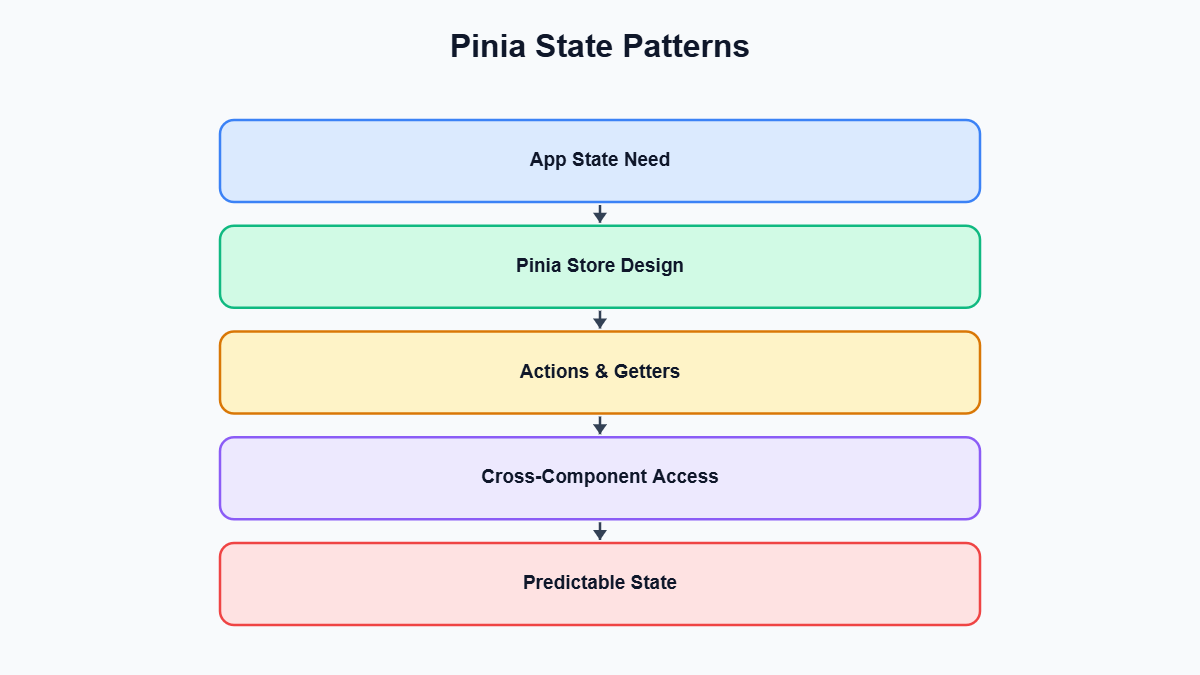 Pinia is the official state management library for Vue and has effectively replaced Vuex for new projects. A few concrete reasons this matters in practice, beyond it being the recommendation from the Vue core team:
- No mutations. Vuex forced a strict split between mutations (synchronous state changes) and actions (which could be async and committed mutations). Pinia drops mutations entirely — actions change state directly. This removes a layer of boilerplate that mostly existed to support devtools time-travel debugging, which Pinia achieves without it.
- First-class TypeScript support. Vuex’s typing required manual helpers and module augmentation. Pinia stores are typed automatically from the state, getters, and actions you define.
- Flat, modular stores instead of nested modules. Vuex encouraged one root store with namespaced modules, which was easy to get wrong. Pinia has no nesting — every store is a standalone unit you import and call, so composition happens through normal function calls rather than namespaced module strings.
- Devtools and SSR support are both built in, so nothing is traded away for the simpler API.
None of this means Pinia state management patterns are automatically good just because you installed Pinia. The library gets out of your way, but decisions like how many stores to have and what belongs in each one are still yours to make deliberately.
Setup Stores vs Options Stores
For the canonical reference, see the official Pinia core concepts documentation and the Vue.js state management guide — both are maintained by the core team and cover nuances beyond this article.
Pinia supports two ways of defining a store. The options store mirrors Vuex’s shape: an object with state, getters, and actions.
import { defineStore } from 'pinia'

export const useCounterStore = defineStore('counter', {
  state: () => ({ count: 0 }),
  getters: {
    doubled: (state) => state.count * 2,
  },
  actions: {
    increment() {
      this.count++
    },
  },
})
The setup store uses a function body, like a Composition API setup(): ref() for state, computed() for getters, plain functions for actions.
import { ref, computed } from 'vue'
import { defineStore } from 'pinia'

export const useCounterStore = defineStore('counter', () => {
  const count = ref(0)
  const doubled = computed(() => count.value * 2)

  function increment() {
    count.value++
  }

  return { count, doubled, increment }
})
For a large application, setup syntax is the better default:
- It gives full access to composables inside a store —
useRouter(), a customuseDebounce(), anything — which is awkward in an options store. - Anything not returned from the function is genuinely private, not just a convention.
- It reads like ordinary Composition API code, so there is one mental model for state, not two.
- Type inference comes directly from the return statement, without the generic parameters options stores sometimes need for complex getters.
Options syntax is still fine for small stores or teams migrating from Vuex who want a familiar shape. Whichever you choose, standardize it across the team — mixing both makes “where does this data come from” harder to answer at a glance.
Splitting State by Domain, Not One Giant Store
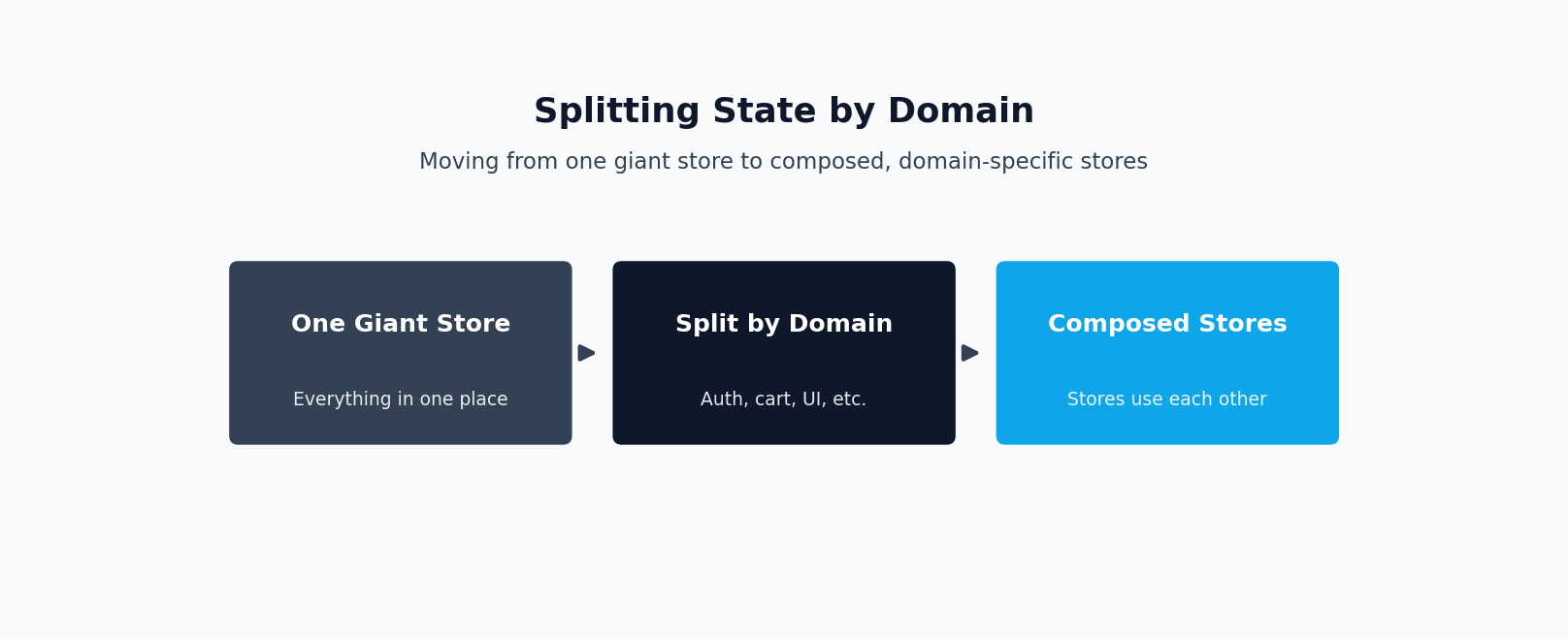
This split-by-domain approach is one of the most impactful Pinia state management patterns you can adopt early, before a store sprawls too far to untangle.
The biggest structural mistake in large Pinia codebases is treating Pinia like it wants one root store the way Vuex nudged toward a single store with modules. It does not. Every defineStore call creates an independent, lazily-instantiated store, with no cost to having twenty small ones instead of one large one — each store only initializes the first time its use...Store() function is called.
A large app should split by domain, not by page or component — the nouns the business logic cares about: authentication, cart, catalog, notifications. A rough guideline:
useAuthStore— current user, tokens, login/logout.useCartStore— line items, totals, add/remove/update.useCatalogStore— product listings, filters, search results.useNotificationStore— a toast/alert queue, unrelated to any one feature.useUiStore— small, cross-cutting UI flags like a global spinner or sidebar state.
This pays off once an app passes a few thousand lines: each store can be understood and tested in isolation; two developers working on cart and auth logic rarely touch the same file; and “where does this state live” is answered by the store’s name. If you worry about ending up with fifty stores — that is fine. Fifty small, focused files beat one 2,000-line store where a cart change risks breaking auth because both share an object. A store that keeps sprawling usually covers more than one domain and should be split further.
A Well-Structured Store in Practice: An Auth Store
Before going further, it helps to restate the core idea behind Pinia state management patterns: getting this right depends on the specifics of your team and codebase, not a one-size-fits-all rule.
Here is a realistic setup-syntax auth store combining typed state, a computed getter, and an async action with explicit loading/error handling.
// stores/auth.ts
import { ref, computed } from 'vue'
import { defineStore } from 'pinia'
import { apiClient } from '@/lib/apiClient'

interface User {
  id: string
  name: string
  email: string
  role: 'admin' | 'member'
}

export const useAuthStore = defineStore('auth', () => {
  const user = ref<User | null>(null)
  const token = ref<string | null>(localStorage.getItem('auth_token'))
  const isLoading = ref(false)
  const error = ref<string | null>(null)

  const isAuthenticated = computed(() => user.value !== null)
  const isAdmin = computed(() => user.value?.role === 'admin')

  async function login(email: string, password: string) {
    isLoading.value = true
    error.value = null

    try {
      const response = await apiClient.post('/auth/login', { email, password })
      user.value = response.data.user
      token.value = response.data.token
      localStorage.setItem('auth_token', response.data.token)
    } catch (err) {
      error.value = 'Invalid email or password'
      throw err
    } finally {
      isLoading.value = false
    }
  }

  function logout() {
    user.value = null
    token.value = null
    localStorage.removeItem('auth_token')
  }

  return { user, token, isLoading, error, isAuthenticated, isAdmin, login, logout }
})
A few details worth noting: isAdmin is computed, not stored, so it can never drift out of sync with the user object — there is no setIsAdmin action anywhere, because none is needed. The action owns the loading/error lifecycle, so a component calling login() just reads authStore.isLoading reactively instead of managing a spinner flag itself. And the error is re-thrown after being recorded, letting a caller decide whether it needs to do more than display the store’s error message.
Composing Stores: Using One Store Inside Another
If your Vue 3 app has outgrown a single global store and needs a proper architecture pass, our Vue.js development service page covers how we approach this.
Large apps need stores that depend on each other — a cart needs to know who the current user is; a checkout store needs cart totals and the user’s shipping address. Pinia handles this cleanly because a store is just a function: call useOtherStore() inside another store’s setup function the same way you would in a component.
// stores/cart.ts
import { ref, computed } from 'vue'
import { defineStore } from 'pinia'
import { useAuthStore } from '@/stores/auth'
import { apiClient } from '@/lib/apiClient'

interface CartItem {
  productId: string
  quantity: number
  price: number
}

export const useCartStore = defineStore('cart', () => {
  const items = ref<CartItem[]>([])
  const isSyncing = ref(false)

  const itemCount = computed(() =>
    items.value.reduce((sum, item) => sum + item.quantity, 0)
  )
  const total = computed(() =>
    items.value.reduce((sum, item) => sum + item.price * item.quantity, 0)
  )

  async function checkout() {
    const authStore = useAuthStore()
    if (!authStore.isAuthenticated) {
      throw new Error('Must be logged in to check out')
    }

    isSyncing.value = true
    try {
      await apiClient.post('/checkout', { userId: authStore.user?.id, items: items.value })
      items.value = []
    } finally {
      isSyncing.value = false
    }
  }

  return { items, itemCount, total, isSyncing, checkout }
})
Two things keep this reliable rather than fragile. First, call useAuthStore() inside the action that needs it rather than only at the top of the file, unless you need it reactively elsewhere — Pinia stores are singletons per app instance, so repeated calls always return the same instance, but keeping the call next to its use makes the dependency visible in a large file with many actions. Second, the dependency is explicit and one-directional: the cart store imports the auth store, and the auth store has no idea the cart store exists. Circular store dependencies are technically possible but complicate initialization order and testing, and usually mean shared logic should move into a third store or a plain composable instead.
Handling Async Actions, Loading, and Error State
The checkout() action above already shows the shape every async action should follow: set loading true, clear any previous error, attempt the request, update state on success, capture the error on failure, and reset loading in a finally block so it always resolves regardless of outcome.
async function fetchOrders() {
  isLoading.value = true
  error.value = null

  try {
    orders.value = (await apiClient.get('/orders')).data
  } catch (err) {
    error.value = err instanceof Error ? err.message : 'Failed to load orders'
  } finally {
    isLoading.value = false
  }
}
A few refinements matter once this pattern appears in a dozen stores. Keep loading/error state per concern, not one global flag per store — a store that both fetches products and submits a review needs isLoadingProducts and isSubmittingReview separately, or the UI shows a spinner for the wrong operation. Avoid putting try/catch logic in components; if every caller wraps a store action in its own try/catch, error handling has leaked out of the store and will be inconsistent. Let the store normalize the error into a readable message and expose it as state so components just read it. And if the same loading/error/try/catch shape repeats everywhere, a small shared composable can remove the boilerplate without hiding what is happening.
Common Anti-Patterns and Their Fixes
This is another place where the details covered by a good Pinia state management patterns matter — getting it right here saves rework later.
Mutating state from outside an action
Because Pinia does not enforce mutation-only writes the way Vuex did, it is tempting to reach directly into a store’s state from a component. This works, but it scatters state-changing logic across the codebase instead of keeping it in one place.
// Bad: component mutates store state directly
const cartStore = useCartStore()
cartStore.items.push({ productId: 'abc', quantity: 1, price: 9.99 })

// Good: the store owns the logic for changing its own state
// stores/cart.ts
function addItem(productId: string, price: number) {
  const existing = items.value.find((i) => i.productId === productId)
  if (existing) {
    existing.quantity++
  } else {
    items.value.push({ productId, quantity: 1, price })
  }
}

// component
cartStore.addItem('abc', 9.99)
The fixed version keeps “what happens when an item is added” in one place. If the rule changes — say, a max quantity per product — there is one function to update, not every component that touches the cart.
Storing derived data instead of computing it
// Bad: cartTotal is stored state that must be manually kept in sync
const cartTotal = ref(0)
function addItem(item: CartItem) {
  items.value.push(item)
  cartTotal.value += item.price * item.quantity // easy to forget or get wrong
}

// Good: cartTotal is always correct because it is derived
const cartTotal = computed(() =>
  items.value.reduce((sum, item) => sum + item.price * item.quantity, 0)
)
Anything calculable from existing state should be a getter, never its own state. Stored derived values drift the moment a new code path changes the source data without updating the copy — and in a large app, that always eventually happens.
One giant store for the whole app
A single useAppStore holding user data, cart data, UI flags, and feature flags together is the most common reason large Pinia codebases become hard to work in. It has no natural review boundary, forces unrelated features to share one file, and lets the public API sprawl into dozens of loosely related actions. Split by domain from the start, even if a domain only has two or three pieces of state at first — merging two small stores later is far cheaper than untangling one large one.
Testing Pinia Stores
To recap the guidance so far, consistency matters as much as any single technical choice when it comes to Pinia state management patterns.
Pinia stores are plain functions once you strip away reactivity, so they are straightforward to unit test without mounting components. The key setup step is creating and activating a fresh Pinia instance before each test so state does not leak between cases.
// stores/cart.spec.ts
import { setActivePinia, createPinia } from 'pinia'
import { describe, it, expect, beforeEach } from 'vitest'
import { useCartStore } from '@/stores/cart'

describe('useCartStore', () => {
  beforeEach(() => {
    setActivePinia(createPinia())
  })

  it('adds a new item to an empty cart', () => {
    const cart = useCartStore()
    cart.addItem('product-1', 19.99)
    expect(cart.items).toHaveLength(1)
    expect(cart.itemCount).toBe(1)
  })

  it('increments quantity for an item already in the cart', () => {
    const cart = useCartStore()
    cart.addItem('product-1', 19.99)
    cart.addItem('product-1', 19.99)
    expect(cart.items[0].quantity).toBe(2)
  })
})
A few points worth knowing beyond the basics. setActivePinia(createPinia()) before every test is what gives each test a clean slate; skipping it lets state from one test bleed into the next, producing flaky, order-dependent failures. Mock the API layer, not the store — mock the apiClient module rather than stubbing the store’s own actions, which tests the real logic inside the action while keeping the test fast and offline. For stores that depend on other stores, the dependency (useAuthStore() in the checkout example) is created automatically against the active Pinia instance the first time it is called, so a test can call it directly and set its state before exercising the dependent store’s action. The official @pinia/testing package also provides a createTestingPinia() helper that stubs actions automatically, which is particularly useful when testing components that use stores.
Because setup stores are just Composition API functions, most of what you already know about testing composables carries over directly — there is no separate framework to learn just for Pinia.
Pinia with TypeScript
Pinia was built with TypeScript in mind, and setup stores get strong type inference with very little manual annotation. In the auth store above, typing user as ref<User | null>(null) is enough for TypeScript to correctly infer the types of isAuthenticated, isAdmin, and every place user is used elsewhere.
A few practices worth adopting for large apps: define shared domain types once (User, CartItem, Product) in a dedicated file and import them into stores, rather than redefining similar shapes repeatedly. Use storeToRefs when destructuring state and getters in a component, so reactivity is preserved — destructuring a store object directly breaks reactivity for state and getters, though actions stay safe to destructure since they are plain functions:
import { storeToRefs } from 'pinia'
import { useCartStore } from '@/stores/cart'

const cartStore = useCartStore()
const { items, total } = storeToRefs(cartStore) // stays reactive
const { addItem } = cartStore // safe to destructure, it's a function
Let return-type inference do the work in setup stores — because the public shape comes from what the function returns, you rarely need the explicit generics options stores sometimes require for complex getters. And type API responses at the boundary: if a request returns an untyped shape, cast or validate it where it enters the store so bad data does not silently propagate as the wrong type through the rest of the app.
The combination of setup syntax and TypeScript is, in practice, one of the strongest Pinia state management patterns available for a team that wants confidence in a store’s public API without a lot of manual type plumbing.
Bringing It Together: Single Store vs Domain-Split Stores
In short, Pinia state management patterns is not a checkbox you tick once — revisit this guidance whenever your team or scope changes materially.
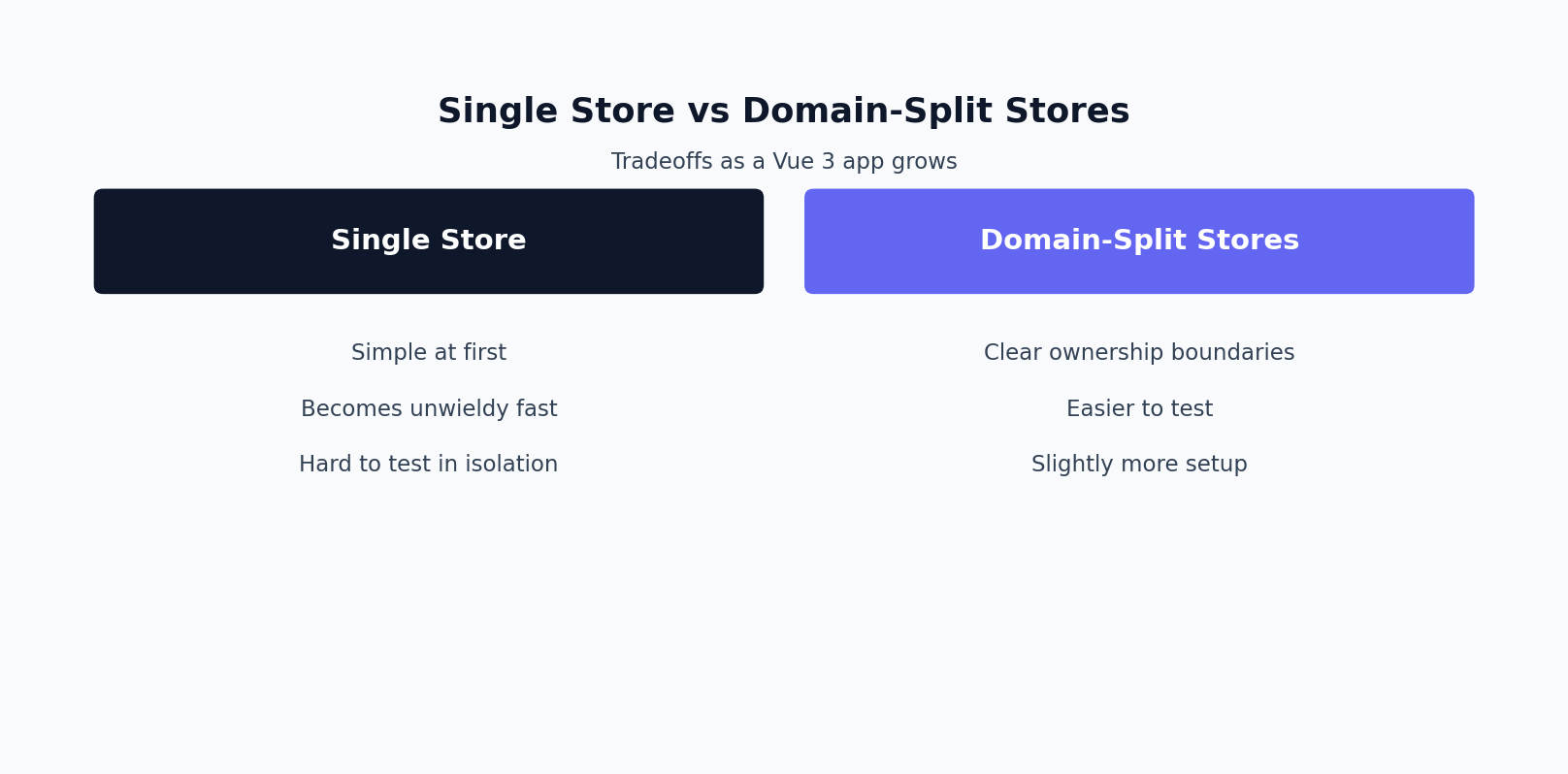
The table below summarizes the practical tradeoffs between the two structural approaches covered in this post, across the dimensions that matter most as an app grows.
| Dimension | Single giant store | Domain-split stores |
|---|---|---|
| Maintainability | Degrades fast; one file accumulates unrelated concerns | Stays manageable; each store has a narrow, clear responsibility |
| Testability | Tests must set up unrelated state to reach the part being tested | Each store tested in isolation with minimal setup |
| Merge conflicts | High; unrelated features edit the same file | Low; features rarely share a store file |
| Onboarding | Hard to find where a given piece of state lives | Store name maps directly to the domain |
| Code-splitting | Whole store loads even if only one feature is used | Stores instantiate lazily on first use |
| Cross-feature composition | Trivial, since everything already shares one object | Requires deliberate calls between stores, keeping dependencies explicit |
That last row is worth sitting with: a single giant store makes composition “free” only by eliminating boundaries entirely, which is exactly the problem. Domain-split stores trade a small amount of upfront wiring — calling useAuthStore() from inside the cart store, as shown earlier — for boundaries that keep the codebase legible months later and several contributors deep.
Getting the Architecture Right the First Time
None of the patterns above are exotic. Split stores by domain, prefer setup syntax for its access to composables and private state, keep derived values as computed getters instead of stored duplicates, centralize loading/error handling inside actions, and lean on TypeScript’s inference rather than fighting it. The hard part is not learning any single pattern — it is applying these Pinia state management patterns consistently across a codebase with dozens of stores and multiple contributors, where one sloppy store can quietly become the one everyone is afraid to touch.
If you are starting a new Vue 3 application, migrating off Vuex, or inheriting a Pinia codebase where the store structure grew organically into something harder to navigate than it should be, it is often worth having an experienced Vue.js developer review the store architecture before the app grows any further, rather than after. Deciding where domain boundaries sit, how stores should compose, and where async logic belongs tends to pay for itself many times over once a codebase reaches production scale. If that describes your project, feel free to get in touch to talk through your app’s state management architecture.
Need this built or reviewed in production? Hire a senior full-stack developer or explore my AI integration services.
