Last updated: July 28, 2026
Table of Contents
Custimoo: Engineering a Sportswear Customization Platform
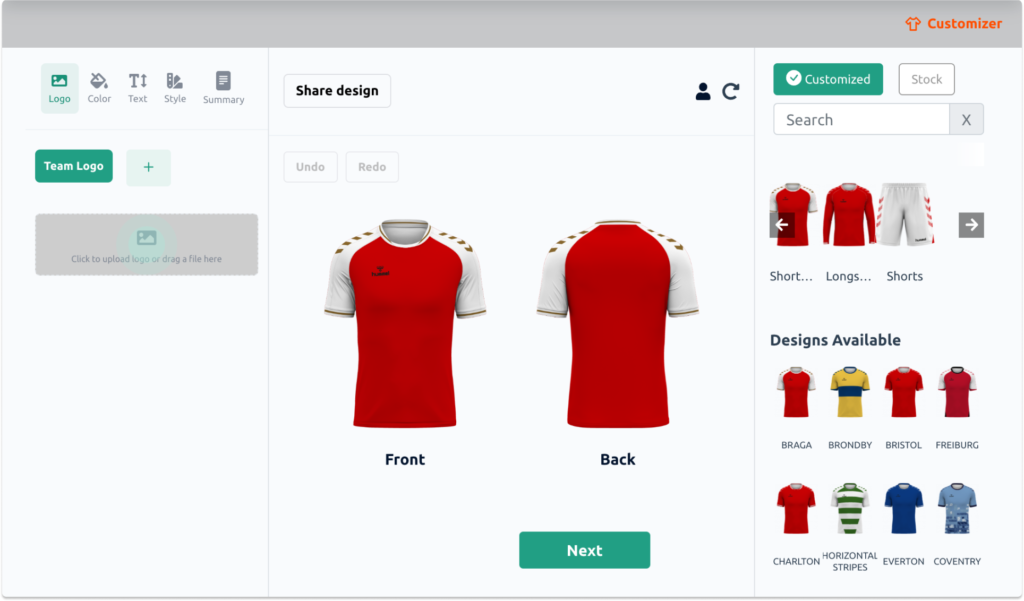
This Custimoo case study is a different kind of engagement than most of my other work: not a from-scratch build, but joining an existing platform and making specific, technical parts of it work better. Custimoo is a sportswear customization platform built for ecommerce: a shirt customizer plugin that lets teams and retailers design and order kit through a plugin layered onto existing ecommerce platforms. As Senior Fullstack Developer at Techscale, I worked directly with the Custimoo ApS team on the plugin’s payment infrastructure, pricing logic, front-end performance, and the design-generation tooling that turns roster data into print-ready artwork.
This case study covers four areas of that engagement: payment integrations, the pricing engine, performance work on Custimoo’s Locker Room product pages, and the automation behind dynamic garment design generation.
What I Built in This Custimoo Case Study

Payment Integrations: Fenerum and Stripe
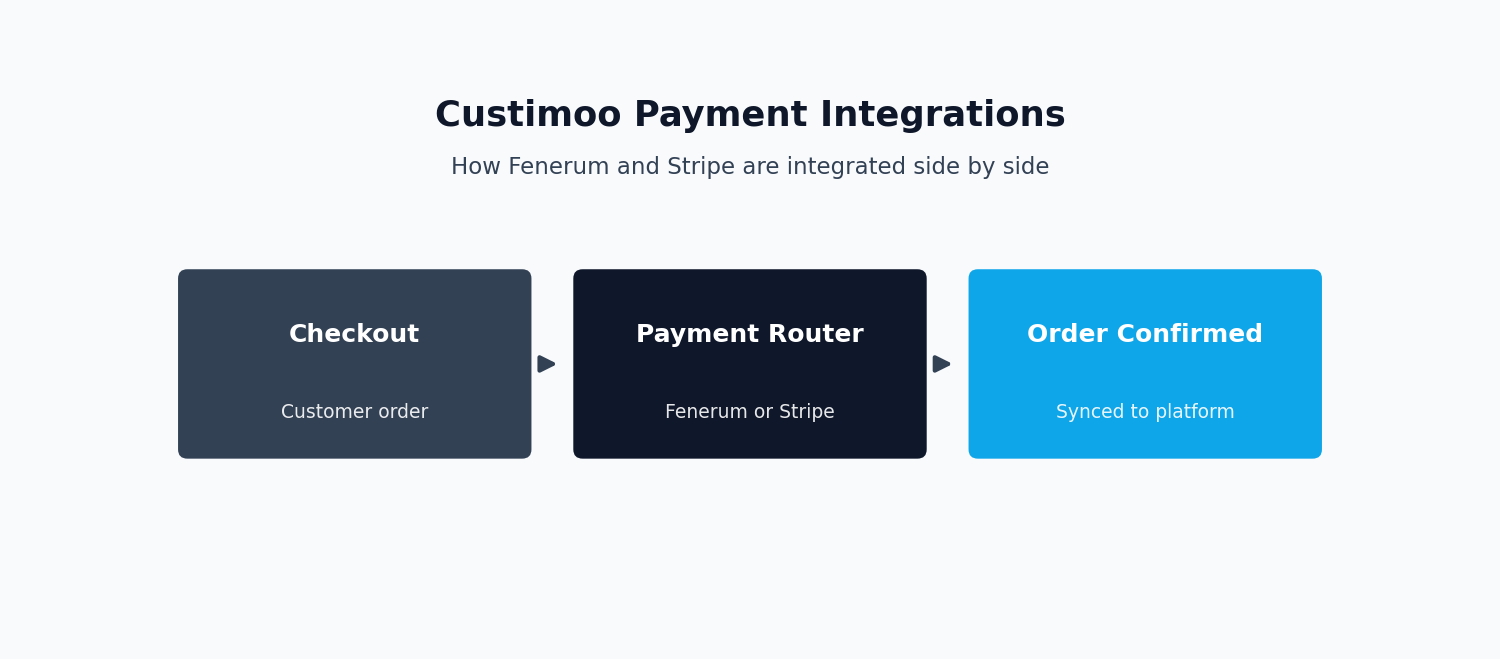
Payments are the first system this Custimoo case study covers, since subscription billing touches everything else the plugin does.
Custimoo’s plugin is sold on a subscription basis, which meant billing had to work reliably across two different systems. I integrated Fenerum, a Danish payment gateway, to handle plugin subscription processing, improving the efficiency of the payment workflow for Custimoo’s subscription customers. Alongside this, I implemented a Stripe integration covering subscriptions, invoicing, and webhook handling, giving the platform a second, more globally-oriented payment path with proper event-driven handling of billing state changes. Supporting two payment providers side by side meant the subscription logic had to stay provider-agnostic wherever possible, so that billing events, plan changes, and invoicing behaved consistently regardless of which gateway processed the transaction.
Running two payment gateways in parallel introduces a specific engineering challenge: the application’s internal model of a subscription (its status, renewal date, and plan) has to be the single source of truth.
Each gateway’s webhooks then feed into that model, rather than the application reading subscription state directly from whichever provider happens to be involved.
Without that abstraction layer, every feature that touches billing would need to know which gateway a given customer uses, and that branching logic tends to spread through a codebase and become a maintenance liability. Keeping the gateway-specific logic isolated behind a common interface is what allows Custimoo to add or swap payment providers in the future without rewriting the subscription features built on top.
The Pricelist Module
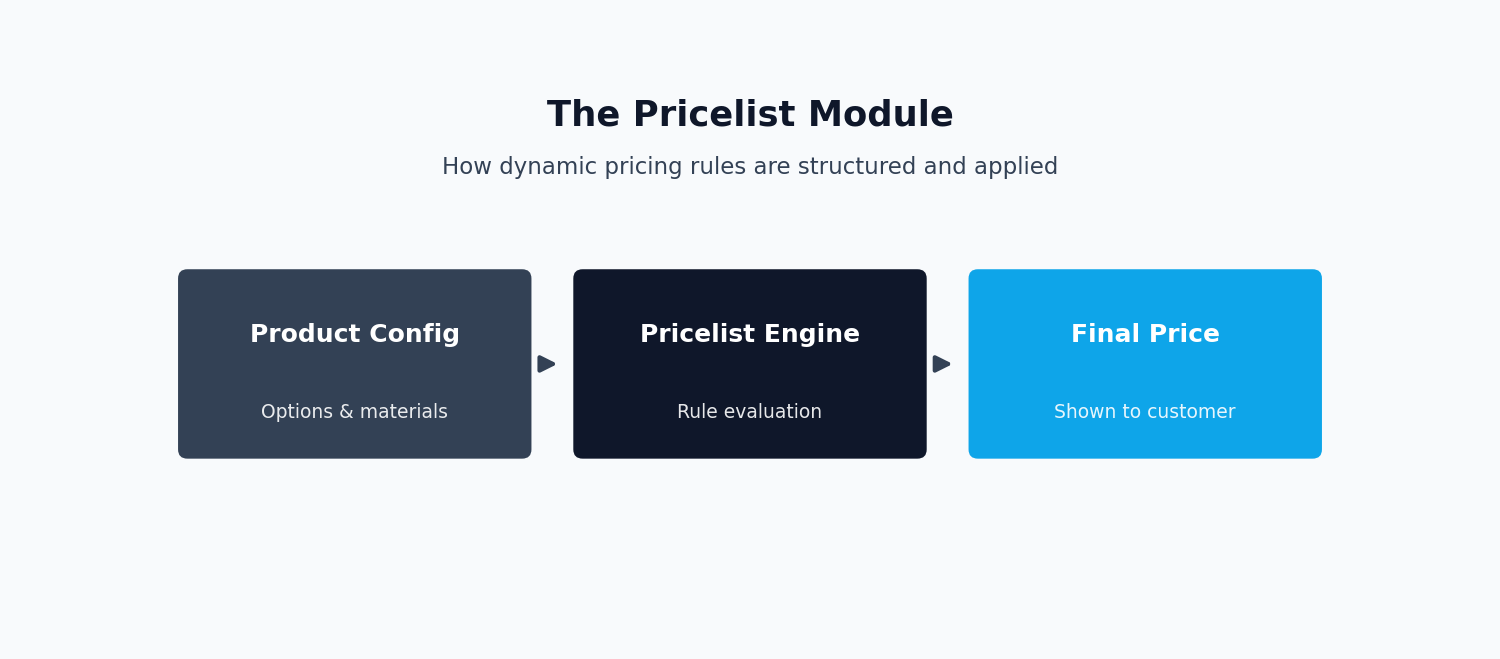
The pricing side of this Custimoo case study is inherently combinatorial: base product costs, fabric and print options, quantity breaks, and team or reseller-specific pricelists all interact. I developed an advanced Pricelist module for Custimoo built around SOLID design principles, structuring the pricing logic so that new pricing rules and product variations could be added without destabilizing existing behavior. The result was a module built for scalability and maintainability, giving the Custimoo team a pricing system that could evolve with the product rather than being rewritten each time new pricing scenarios appeared.
Applying SOLID principles to a pricing engine in practice tends to mean separating the concerns that are likely to change independently: the rules that calculate a base price, the rules that apply discounts or quantity breaks, and the rules that apply a specific reseller’s custom pricelist.
Each set of rules is handled by its own focused class, rather than one large function with branching logic for every case.
This follows the Single Responsibility and Open/Closed principles directly: each class has one reason to change. New pricing behavior can usually be added by introducing a new class, rather than modifying existing, already-tested ones. For a combinatorial domain like garment pricing, where the number of possible pricing scenarios grows quickly as new options are added, this structure keeps the system tractable. Without it, the codebase risks turning into an unmaintainable web of conditionals.
Performance and UX Work
Two areas of the customer-facing product received targeted performance work. One thing this Custimoo case study keeps coming back to is how much of the real work was in the unglamorous middle layer, not the visible feature. The first was Locker Room’s Story Board, a key feature covered in this Custimoo case study, where teams manage and browse their gear. I optimized the Story Board by improving how the DOM was updated and how resources were used on the page, which increased user engagement and reduced load times.
The second was the Locker Collection Pages, the product listing views where customers browse team and club merchandise. These pages were enhanced with lazy loading and code splitting, techniques that defer loading of non-critical assets and JavaScript until they’re actually needed. That work significantly boosted page performance and improved product visibility, letting customers get to the products they wanted to see without waiting on assets that weren’t yet on screen.
DOM-heavy pages like a product story board tend to slow down for a specific reason: every time the underlying data changes, a naive implementation re-renders more of the page than it needs to. This touches DOM nodes that didn’t actually change. Optimizing this usually means being more deliberate about what triggers a re-render and at what granularity, updating only the specific elements affected by a given change instead of re-drawing a whole section of the page.
Lazy loading and code splitting address a related but distinct problem: on a product listing page, not every image, script, or component is needed the moment the page loads. Deferring anything below the fold, or any JavaScript tied to features the user hasn’t interacted with yet, reduces the amount of work the browser has to do before the page becomes usable.
Design Automation
The design-automation piece is probably the most visually interesting part of this Custimoo case study, since it turns raw spreadsheet data into finished artwork.
Dynamic SVG Generation from Roster Data
Custimoo’s customization workflow needs to turn structured data, roster lists, player numbers, names, and production specifications, into actual visual designs. I built tooling to create dynamic SVG files programmatically from roster and production data using JavaScript for this Custimoo case study, streamlining what would otherwise be a manual, per-order design process. Instead of a designer manually placing names and numbers on every garment, the system generates correctly composed SVG artwork directly from the underlying order data.
Generating design files programmatically from structured data rather than through manual design work is a pattern that scales in a way manual processes can’t. A roster of thirty players becomes thirty automatically generated, correctly positioned designs instead of thirty manual design tasks. The engineering challenge is less about drawing shapes in SVG, which is a well-understood format, and more about building a reliable mapping from arbitrary roster data (varying name lengths, number formats, and team branding rules). That mapping has to produce a layout that still looks correct and doesn’t clip, overlap, or misalign text across every possible combination of inputs.
Pantone-Based Color Mapping
One of the more technically interesting pieces of this engagement was Pantone-based closest color mapping, implemented using Laravel and JavaScript, to improve design color accuracy. This is a harder problem than it sounds. Customers typically choose colors on screen, through an RGB or hex color picker, but garment printing and embroidery are physical production processes that work from a finite, standardized set of Pantone spot colors. A color that looks correct on a monitor doesn’t correspond to any single “correct” answer in print; it has to be mapped to the nearest real Pantone color that a production facility can actually reproduce.
Getting that mapping right matters for two reasons. First, color science: RGB and Pantone are different color spaces. A naive nearest-match calculation on raw RGB values can pick a Pantone swatch that looks noticeably different to the human eye than what the customer selected on screen. A defensible closest-match algorithm has to account for how color distance is actually perceived, not just numeric proximity in RGB.
Second, print production accuracy: once a Pantone code is chosen, it becomes a hard instruction sent to a production facility. If the mapping is wrong, or inconsistent between similar shades, teams end up with printed or embroidered kit that doesn’t match what they approved on screen. That’s exactly the kind of defect that erodes trust in a customization platform. Building this mapping directly into the design pipeline meant color accuracy became a built-in property of the system rather than something caught, or missed, after production.
In practice, perceptually accurate color matching is usually done by converting colors into a space designed to model human vision, such as CIELAB, and measuring distance there rather than in raw RGB. Two colors that look similar to a person can be numerically far apart in RGB, and vice versa. Working in a perceptual color space is what allows the nearest-match logic to agree with what a human would actually judge as the closest available Pantone swatch. This kind of detail is invisible to a customer clicking through a color picker. But it’s the difference between a customization platform that reliably produces what customers expect and one that generates a steady trickle of production complaints.
Key Outcomes
Stepping back, this Custimoo case study gave the platform a subscription billing system that could run across two payment providers without duplicating business logic. It also included a pricing engine structured to absorb new pricing scenarios without destabilizing existing ones. It also delivered faster and more responsive product pages on two of the platform’s highest-traffic views, and a design pipeline that turned roster data directly into production-ready, color-accurate artwork without manual design work per order.
These four workstreams, billing, pricing, performance, and design automation, don’t operate in isolation on a platform like Custimoo’s. A pricing change flows into what a customer sees on a fast-loading Locker Collection page, which in turn flows into a generated design once an order is placed. That design then flows into a subscription or one-off charge processed through Fenerum or Stripe. Engineering each piece to be independently reliable, and to communicate through clear internal contracts rather than tightly-coupled shortcuts, is what made it possible to build and improve these systems incrementally. No single change risked a regression somewhere else in the pipeline.
Tech Stack
The stack behind this Custimoo case study stayed fairly consistent across the engagement:
- Laravel — powering the pricing engine, Pantone color-matching logic, and core backend. See our Laravel API Development Services.
- JavaScript — used for dynamic SVG generation and front-end performance work.
- Stripe — one of two payment gateways integrated for subscription billing.
- Fenerum — a Danish payment gateway integrated for subscription processing.
I carried out this work as part of my role as Senior Fullstack Developer at Techscale, an agency serving clients including Custimoo ApS. For related work on subscription billing and payment automation, see the WingWarranty case study, or for API-heavy backend engineering, see the Minplan case study.
Frequently Asked Questions
Why integrate two payment gateways instead of just one?
This is one of the questions people ask most often about this Custimoo case study, since running two providers side by side sounds like extra complexity for its own sake. Different payment providers have different regional strengths, pricing models, and feature sets. Running two gateways side by side gives a platform flexibility — for example, using a provider strong in a particular region alongside a globally-oriented one. But it only works cleanly if the application’s own subscription model stays independent of either provider’s specific API. Both gateways feed into that shared internal model through webhooks.
What does applying SOLID principles to a pricing engine actually look like?
This question comes up a lot in relation to this Custimoo case study. In practice, it means separating the different concerns that make up a price, like base cost, discounts, and reseller-specific rules, into their own focused classes rather than one large conditional block. New pricing scenarios can then usually be added by introducing new classes rather than editing and re-testing existing ones, which keeps a combinatorial pricing domain maintainable as it grows.
Why does color mapping for print need more than a simple RGB-to-Pantone lookup?
RGB, how colors are represented on screen, and Pantone, a standardized system used in physical production, aren’t the same color space. A simple numeric distance calculation in RGB doesn’t reliably match what a person would perceive as the closest color. Accurate mapping typically requires converting to a perceptually-based color space before calculating distance. That way, the chosen Pantone swatch actually looks like the closest match to a human eye, not just the closest match numerically.
Why does lazy loading and code splitting matter for an ecommerce product listing page?
A product listing page often loads more images, scripts, and components than a visitor will actually look at in a single session, especially on pages showing dozens of products at once. Loading everything up front means the browser spends time and bandwidth on assets the user may never scroll to. Lazy loading defers offscreen images until they’re about to enter the viewport, and code splitting defers JavaScript for features the user hasn’t engaged with yet. That way, the page becomes interactive faster and only pays the cost of loading an asset once it’s actually needed.
Why build custom design-generation tooling instead of having a designer manually create each garment layout?
This is a question worth asking directly in a Custimoo case study like this one, since custom tooling is a real investment. A manual process works at low volume, but it doesn’t scale to a platform where orders can involve full team rosters with varying names, numbers, and sizing. Programmatic generation from structured order data turns what would be one manual design task per player into a single, reliable, repeatable process that produces correctly composed artwork for an entire roster at once. That frees up design effort for the cases that genuinely need human judgment, rather than repetitive placement work.